Turn your PDF into a free flipbook
Drop in PDFs, photos or Word files and get a realistic page-turning flipbook in seconds. Publish it at your own link and watch the daily visits roll in.
- Realistic 3D page flips on every device
- Your own address: flipbookmaker.online/your-book
- See how many people read it, day by day
Upload files
Drag and drop, or take the shot.
0
pages per flipbook
0
file types, mixed freely
0
watermarks, ever
0%
built in your browser
- Restaurant menus
- Product catalogues
- Digital magazines
- Brochures
- Photo albums
- Portfolios
- Lookbooks
- Real estate listings
- Yearbooks
- Ebooks & reports
- Newsletters
- Wedding albums
- Wedding albums
- Newsletters
- Ebooks & reports
- Yearbooks
- Real estate listings
- Lookbooks
- Portfolios
- Photo albums
- Brochures
- Digital magazines
- Product catalogues
- Restaurant menus
Examples
See what you can make
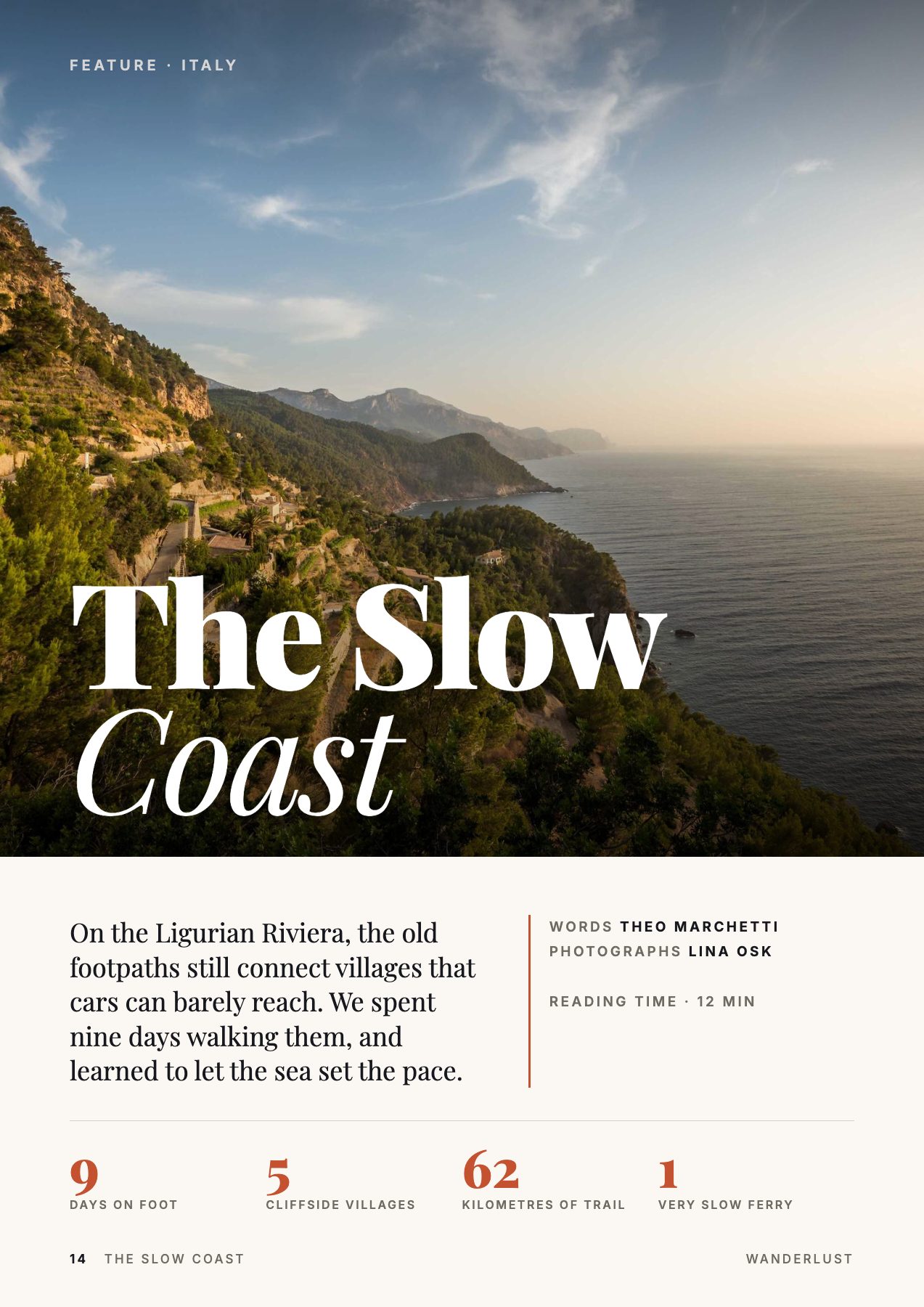
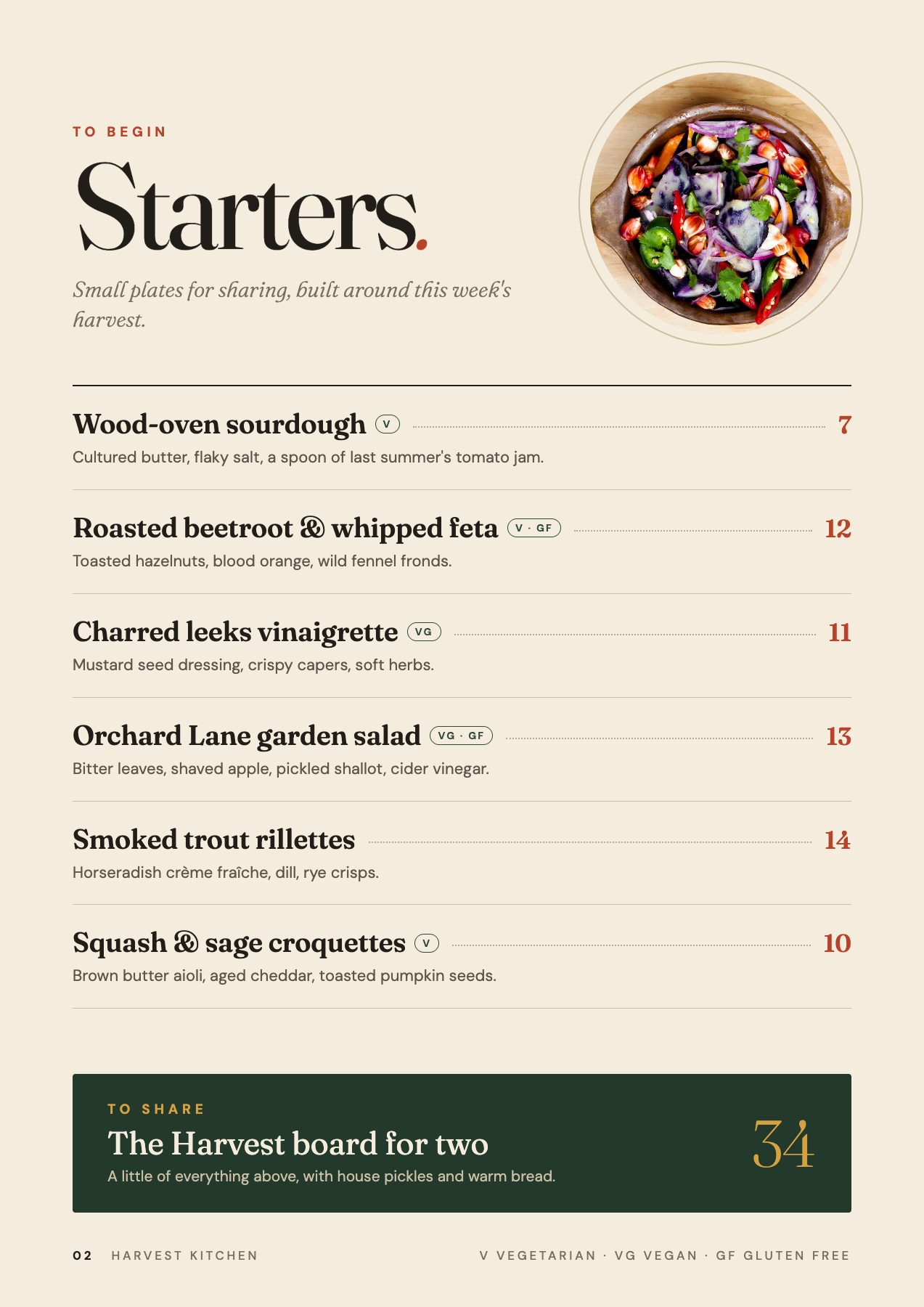
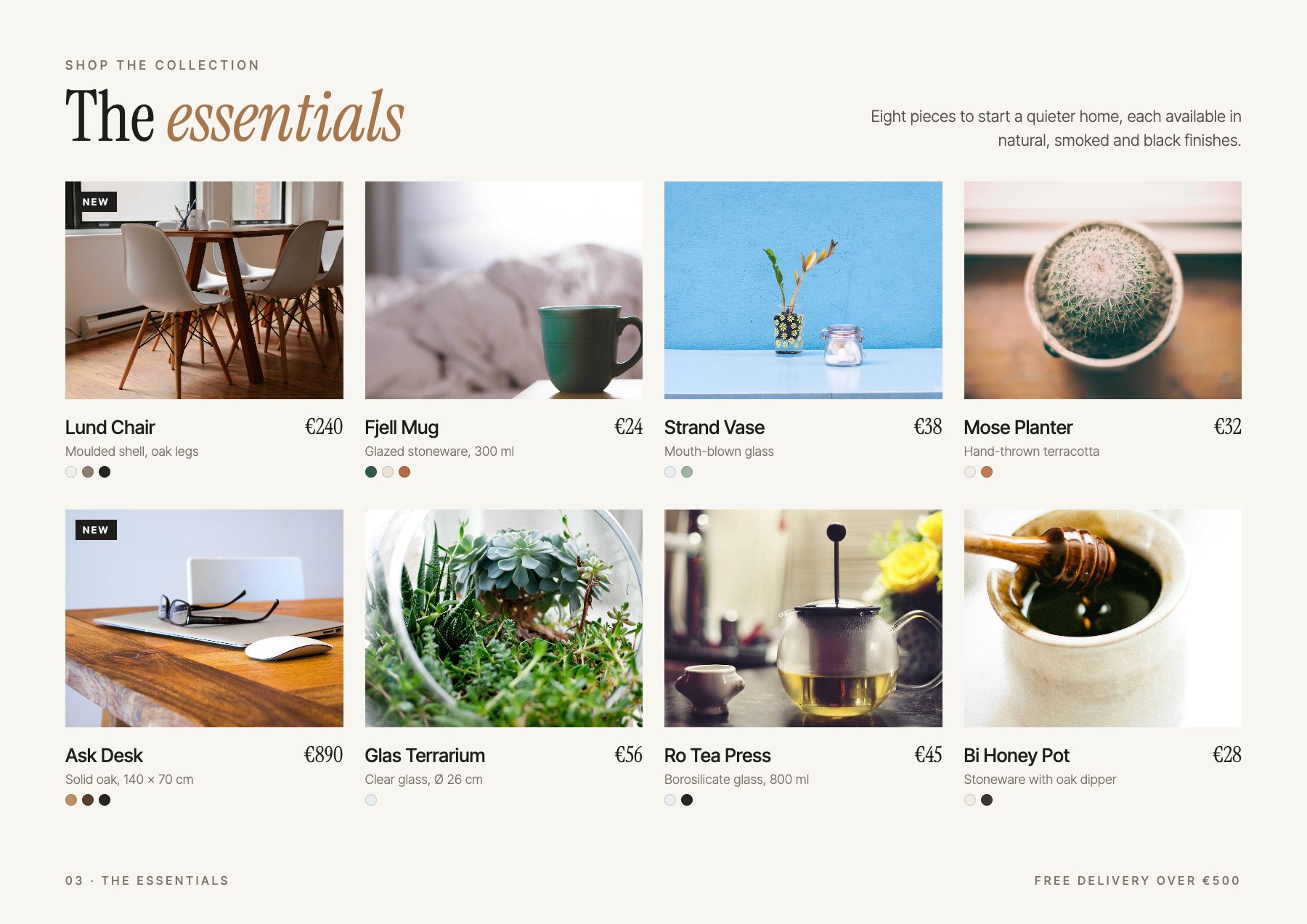
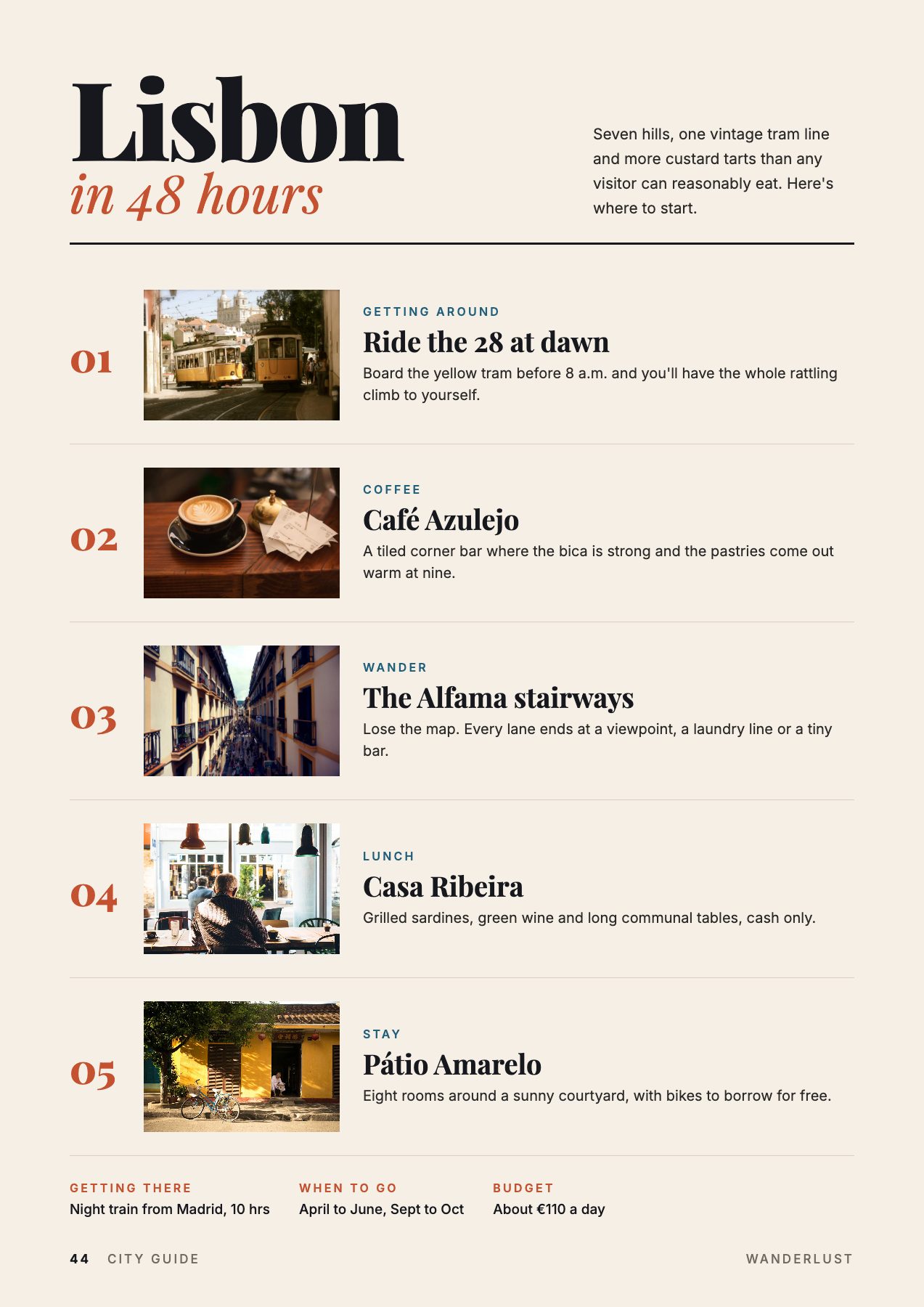
These flipbooks were made from ordinary PDFs. Flip a page — it feels like the real thing.
Publish & track
Your flipbook, live at your own link
Pick an address like flipbookmaker.online/spring-menu — or let us roll a random one. Share it anywhere, print the QR code, and see how many people opened it every day from your dashboard.
- Custom or random web address, changeable anytime
- Public, or private so only you can open it
- Daily visits, last 7 days and all-time totals
- Share to WhatsApp, Facebook, X, LinkedIn — or a QR code
Visits today
248
How to make a flipbook online
- 1
Upload your files
Drop in a PDF, JPG or PNG images, a Word document (.docx) or a text file. Mix as many as you like.
- 2
Arrange the pages
Drag the files into order, then choose the page shape and whether images fit or fill each page.
- 3
Publish and share
Press Create flipbook to read it with realistic page turns, then publish it at your own address — flipbookmaker.online/your-book — and share the link.
Everything you need in a free flipbook creator
Turn a static PDF into a digital flipbook your readers actually enjoy flipping through.
100% free flipbook maker
Make unlimited flipbooks with no watermark, no trial and no credit card.
PDF to flipbook in seconds
Convert any PDF into an interactive, page-turning flipbook online — no software to install.
Images & Word too
Turn photos into a photo book, or a Word document into a digital magazine, in the same book.
Realistic page flip
Drag a corner or tap to turn pages with a lifelike 3D page-curl effect.
Daily visit stats
See how many people opened your flipbook today, this week and all time.
Works on every device
Single pages on phones, full spreads on tablets and desktops — rotate to switch.
Your own web address
Publish at flipbookmaker.online/your-name — pick it yourself or roll a random one.
Private by design
Your files are converted in your browser. Nothing is uploaded until you choose to publish.
What can you make with a flipbook?
- Digital magazines
- Product catalogues
- Restaurant menus
- Brochures & flyers
- Photo albums
- Portfolios
- Ebooks & reports
- Lookbooks
- Newsletters
- Real estate listings
- School yearbooks
- Wedding albums
Frequently asked questions
Is Flipbook Maker really free?
Yes. Creating flipbooks is completely free with no watermark and no limit on how many you make. A free account lets you publish them at your own link and see their daily visits.
How do I convert a PDF to a flipbook?
Drop your PDF onto the upload area above and press Create flipbook. Every page of the PDF becomes a page you can turn, usually in a few seconds.
What file types can I use?
PDF, JPG, PNG, WebP and GIF images, Word documents (.docx), and plain text or Markdown files. You can combine different file types in one flipbook.
Do I need to sign up to make a flipbook?
No. You can create and read a flipbook without an account. Sign up for free only when you want to publish it and share it with others.
Are my files uploaded to a server?
Not while you create. Files are converted into the flipbook inside your browser. Only when you press Publish is the finished flipbook stored in your account.
Can I share my flipbook?
Yes. Publish it and copy its link, share it straight to WhatsApp, Facebook, X or LinkedIn, or download a QR code. People can flip through it on any phone, tablet or computer without signing up.
Can I choose my flipbook's web address?
Yes. When you publish, type the address you want — for example flipbookmaker.online/spring-menu — or press Random to get one. You can change it later from your dashboard.
Can I see how many people viewed my flipbook?
Yes. Your dashboard shows each flipbook's visits for today, the last 7 days and all time, with a day-by-day chart. Your own visits aren't counted.
Does the flipbook work on mobile?
Yes. On a phone the flipbook shows one page at a time; turn your phone sideways to see the full two-page spread.
Is there a page limit?
Each flipbook can have up to 300 pages, which covers catalogues, magazines and most reports.
Your next flipbook is one shot away
Free forever for the basics. No watermark, no credit card, no software to install.
Files are converted in your browser — nothing is uploaded until you publish.