How to turn a PDF into a flipbook for free (step by step)
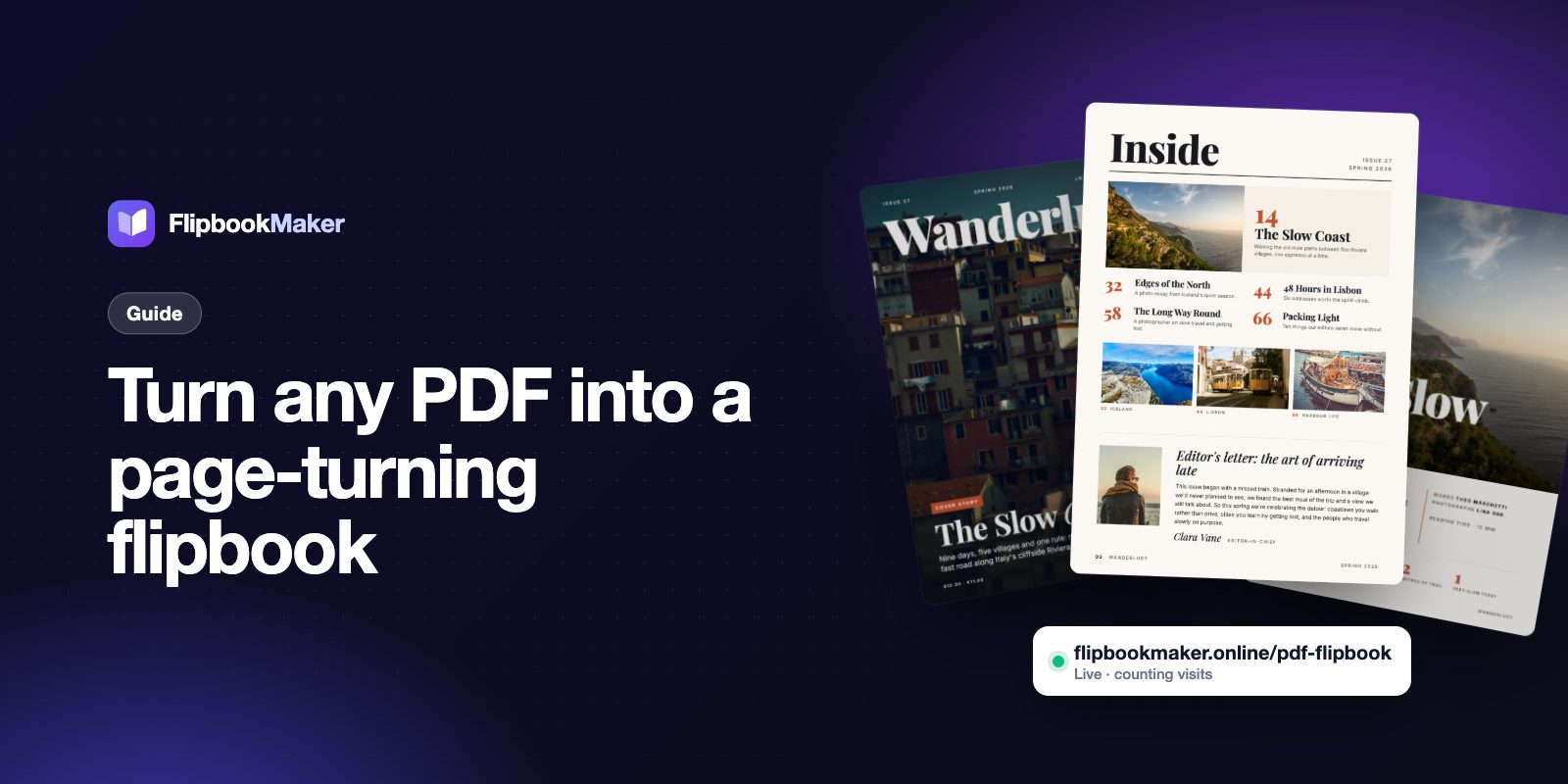
Turn any PDF into a page-turning flipbook you can share with a link — free, in your browser, with no watermark. Here's exactly how.
Flipbook Maker Team13 Oct 2026 3 min read
A PDF is great for printing, but on a phone it's a chore: pinch, zoom, scroll, repeat. A flipbook shows the same pages as a real book — readers swipe or click and the page turns. It feels like a magazine, and people actually read it.
Here's how to make one from any PDF in about a minute, for free.
What you need
- A PDF (a brochure, menu, catalog, magazine, report or portfolio)
- A browser — nothing to install
Step 1: Open the flipbook maker
Go to Flipbook Maker and drop your PDF onto the upload circle, or tap it to choose a file. You can also use images (JPG, PNG) or a Word document.
Step 2: Watch it become a book
Your pages are turned into a flipbook right in your browser. Swipe or click the page corners to try it. On a phone it shows one page at a time; on a laptop you get a two-page spread, like an open magazine.
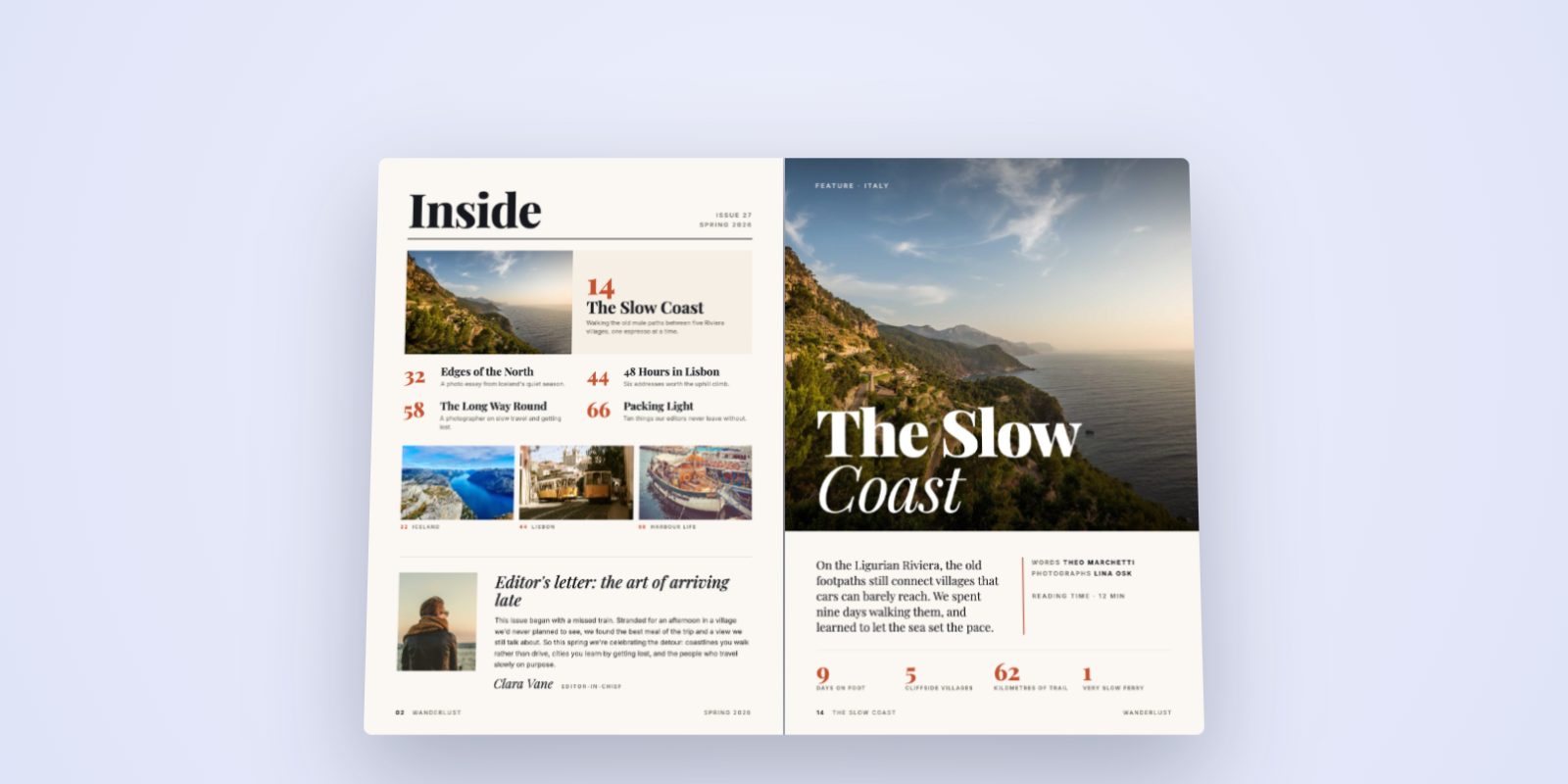
Want to see it live? Flip through the Wanderlust example.
Step 3: Make it yours
Open Edit to change the background and check the pages. Then press Share.
Step 4: Publish at your own link
Create a free account, pick a short link — for example flipbookmaker.online/spring-menu — and add your logo, website and contact details if you like. Press publish and your flipbook is live.
Step 5: Share it anywhere
Paste the link into WhatsApp, email, Instagram bio, Facebook or a QR code on a table card. Every visit is counted, so you can see how many people opened it each day.
Tips for a great flipbook
- Use portrait pages. A4 or Letter portrait looks best on phones.
- Put the hook on the cover. The first page is your shop window.
- Keep files reasonable. Export your PDF at "high quality print" rather than "press quality"; it loads faster.
- Even page counts look most natural as a book (the cover sits alone, then spreads).
Is it really free?
Yes. Making, publishing and sharing a flipbook is free, with no watermark stamped over your pages.